top of page
Create Your First Project
Start adding your projects to your portfolio. Click on "Manage Projects" to get started


Cows
Project type
3D Visualization [OpenGL]
Date
May 2024 [Year2]
How to use
1.Download the project from the GitHub Project Page.
2.Open the project in Visual Studio.
3.Run the project.
Controls
1.Press '3' to switch between different cameras.
2.Use the 'Space Bar' to navigate the scene.
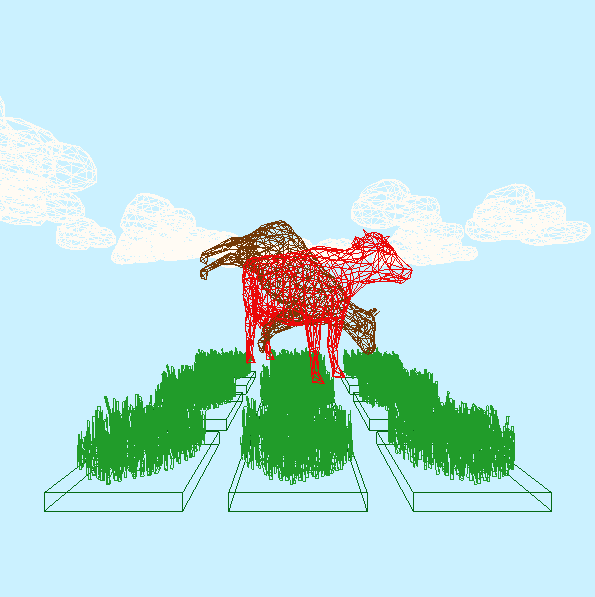
utilizing the latest 3D visualization techniques, the Cows [3D Visualization] project showcases the application of 3D computer graphics to create dynamic scenes of cow models rotating and flying. The project also incorporates 3D collision detection with color interpolation and an easy 3D model loader function, allowing for the conversion of .obj files into vertices, faces, and edges data to draw 3D objects on the scene. Additionally, the project features an adjustable camera function that allows users to navigate and explore different perspectives of the scene.


bottom of page